Software
Working with dates and times across different systems can be a developer’s nightmare—until you master these standardized formats. These seven recognized formats ensure compatibility, readability, and precision in applications, APIs, and databases worldwide.
ISO 8601 Date and Time Format
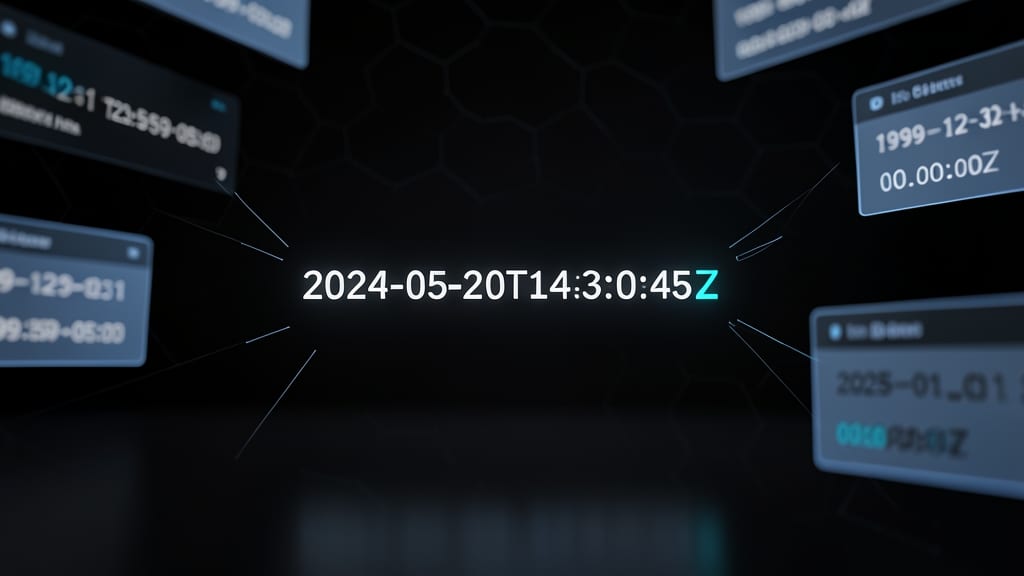
When your application needs to speak a language understood by systems worldwide, ISO 8601 is the universal translator for dates and times. This standardized format—like 2024-05-20T14:30:45Z—eliminates ambiguity by using a strict, unambiguous structure that works across all programming languages, databases, and operating systems.
Its key strengths include YYYY-MM-DD ordering (no more "05/20/24" vs. "20/05/24" confusion), support for timezone offsets (Z for UTC), and precision down to microseconds. APIs, logs, and global applications rely on ISO 8601 because it’s machine-readable, sortable, and locale-independent—critical for systems handling data from multiple regions. Most modern languages (Python, JavaScript, Java) parse and generate it natively.
Perfect for global APIs, data storage, and cross-platform applications, ISO 8601 ensures your timestamps work everywhere—without extra parsing or localization code. ✨
RFC 2822 Email Date Format
If your codebase interacts with email systems—whether parsing incoming messages or sending SMTP requests—you’ve likely run into RFC 2822, the unsung hero of email date formatting. Unlike ISO 8601’s strict machine-friendly structure, RFC 2822 blends readability with precision, using formats like Mon, 20 May 2024 14:30:45 -0500 that humans can scan while machines can parse reliably.
This format’s strength lies in its flexible yet standardized structure: day names (e.g., Tue), abbreviated month names (e.g., Dec), and timezone offsets (e.g., +0000). It’s the default for SMTP headers, ensuring compatibility across email clients and servers. Libraries like Python’s email.utils or JavaScript’s date-fns handle parsing with minimal effort, while its inclusion of day names helps users spot outdated messages at a glance.
Perfect for email APIs, archiving systems, or legacy integrations, RFC 2822 bridges the gap between human communication and machine processing—without sacrificing either. 💡
Unix Timestamp (Epoch Time)
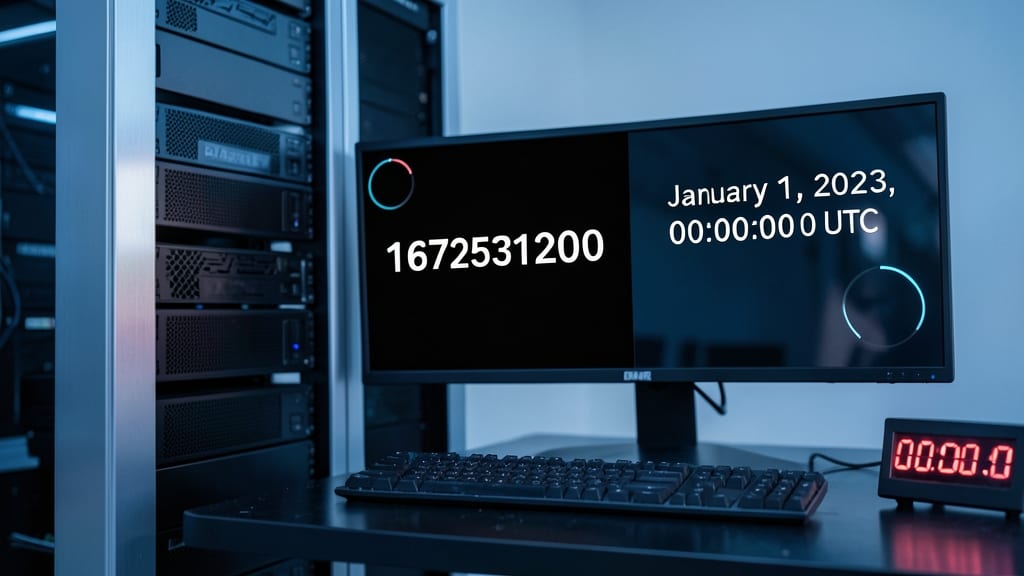
When your backend needs to handle time in the most efficient way possible, Unix timestamps (or Epoch Time) are the go-to choice. Representing time as seconds since January 1, 1970, this format eliminates ambiguity, reduces storage space, and simplifies calculations—making it the default for server-side operations.
Each timestamp is a 32-bit (or 64-bit for extended range) integer, allowing for precise comparisons and arithmetic without parsing strings. For example, 1716132245 translates to May 20, 2024, 14:30:45 UTC, and converting it back is trivial with built-in functions in most languages. This format also ensures cross-platform consistency, whether you're working with Linux, Windows, or cloud servers.
Developers building APIs, databases, or performance-critical systems rely on Unix timestamps to optimize speed and reduce errors. If you're working with logs, caching, or scheduling, this is the format that keeps things simple and reliable. ⚡
SQL Date and Time Formats

When your application hinges on precise database queries, using the wrong date format can turn a simple WHERE clause into a debugging nightmare. MySQL, PostgreSQL, and SQL Server each have their own optimized formats—YYYY-MM-DD for dates, HH:MM:SS for times, and YYYY-MM-DD HH:MM:SS for timestamps—that integrate flawlessly with stored procedures and ORMs like Django ORM or Entity Framework.
MySQL’s DATE type stores dates in YYYY-MM-DD (e.g., 2024-05-20), while TIMESTAMP adds precision with HH:MM:SS (e.g., 2024-05-20 14:30:45). PostgreSQL extends this with TIME WITH TIME ZONE, and SQL Server offers DATETIME2 for sub-millisecond accuracy. These formats avoid ambiguity in parsing and ensure consistent sorting—critical for analytics or scheduling systems.
Backend developers and data engineers will appreciate how these formats play nice with SQLAlchemy, TypeORM, or raw SQL queries. They’re also the default in most ORMs, reducing conversion overhead. ⚡
JavaScript Date Format Methods
Frontend developers know the frustration of hardcoding dates—until JavaScript’s built-in methods like toISOString() and toLocaleString() stepped in. These methods eliminate manual formatting headaches by dynamically adapting dates to user locales or API standards, all while staying lightweight and framework-agnostic.
The toISOString() method outputs dates in ISO 8601 format (e.g., "2024-05-20T14:30:45.123Z"), perfect for APIs and storage, while toLocaleString() localizes dates automatically (e.g., "20/05/2024" for UK users or "May 20, 2024" for US). Both methods integrate seamlessly with React, Vue, and vanilla JS, reducing bundle size compared to third-party libraries.
Ideal for web apps needing dynamic date displays—think calendars, dashboards, or user profiles—these methods cut development time while ensuring global compatibility. No extra dependencies needed! ✨
Excel and Office Date Codes
If you’ve ever struggled to sync Excel reports with backend systems or parse dates in Office files, Excel and Office date codes are your secret weapon. Unlike strict programming formats, these codes (like MM/DD/YYYY or DD-MMM-YY) blend human readability with automation-friendly structures, making them indispensable for business workflows.
Excel’s TEXT() function lets you convert dates into custom codes, while Office apps automatically interpret these formats when importing/exporting data. For example, 05/20/2024 (US) vs. 20-05-2024 (EU) highlights why consistency matters—especially when merging spreadsheets with APIs or databases. These codes also integrate seamlessly with VBA macros and Power Query for advanced data processing.
Perfect for finance teams, data analysts, and automation engineers, these formats eliminate manual parsing errors when bridging spreadsheets with code. 💻
Custom Date Libraries (Moment.js, Luxon)
When legacy systems or complex timezone requirements leave you scratching your head, Moment.js and Luxon step in as your date-time superheroes. These libraries solve the "how do I handle this edge case?" problems that built-in methods can’t—like parsing ambiguous dates or localizing to 50+ languages.
Moment.js (now in maintenance mode) offers 100+ formatting tokens and timezone-aware operations, while Luxon (its modern successor) delivers immutable date objects and zero-config parsing for formats like "2024-05-20T14:30:45Z". Both integrate seamlessly with APIs, databases, and frontend frameworks, saving you from reinventing the wheel.
Legacy system maintainers and global app developers will love these for their backward compatibility and locale-specific formatting. ⚡