
Coding
SQL Server 2012 introduced groundbreaking features that transformed database management, performance, and security. These 10 innovations redefine how developers build, optimize, and secure enterprise applications—making them essential for modern IT professionals.
Columnstore Indexes for Massive Performance Gains

Tired of waiting minutes for analytical queries to return results? Columnstore indexes in SQL Server 2012 transformed data warehousing by delivering 10x faster query speeds on large datasets—something traditional row-based indexes simply couldn’t match.
This feature stores data in columnar format, drastically improving compression ratios and scan efficiency. Perfect for analytical workloads, it handles OLAP (Online Analytical Processing) queries with ease, reducing I/O overhead by up to 90% while maintaining compatibility with existing rowstore indexes. The best part? It’s optimized for read-heavy scenarios, making it ideal for reporting and business intelligence applications.
If you’re working with data warehouses, BI tools, or analytics platforms, this feature is a game-changer. Say goodbye to slow aggregations and hello to near-instant insights. ✨
Contained Databases for Enhanced Security
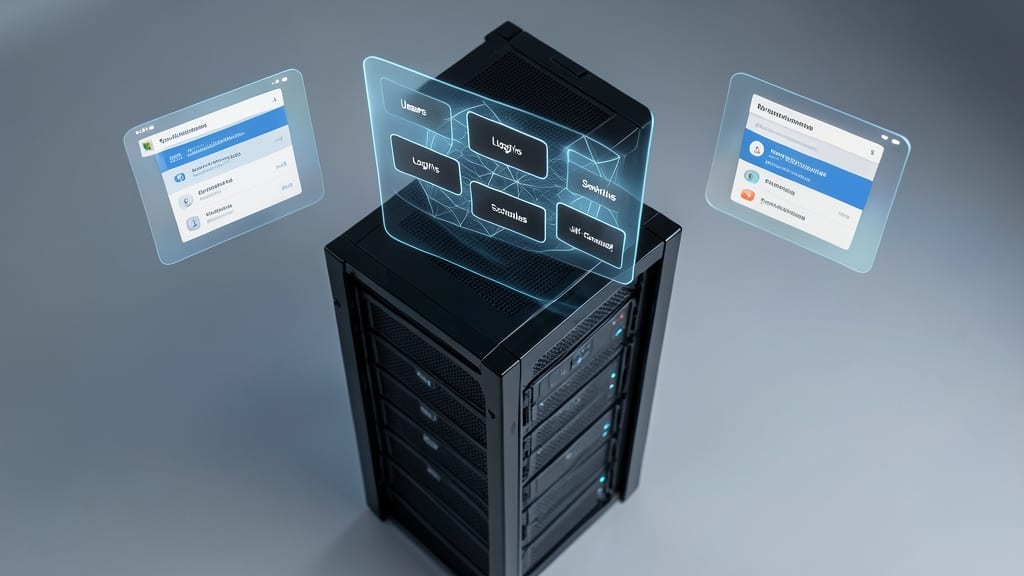
Tired of Windows login headaches in multi-tenant environments? SQL Server 2012’s contained databases solve this by encapsulating all database objects—users, logins, and schemas—into self-contained units. This eliminates the need for Windows authentication entirely, letting you manage credentials at the database level instead of the server level.
With contained databases, you gain true tenant isolation—each database runs independently, with its own authentication and permissions. This is a game-changer for cloud deployments where you need to host multiple applications or tenants on a single SQL Server instance. The feature also simplifies deployments by reducing dependencies on domain accounts or server-level logins. ⚡
AlwaysOn Availability Groups

When seconds of downtime mean lost revenue or customer trust, AlwaysOn Availability Groups in SQL Server 2012 delivers the reliability your mission-critical apps demand. This feature transforms database resilience by synchronizing multiple servers into a single, failover-ready cluster—no manual intervention required.
With synchronous or asynchronous data replication, you can achieve 99.999% uptime while supporting up to 8 secondary replicas for read-scale workloads. The automatic failover kicks in within seconds, and built-in health monitoring ensures no silent failures slip through. Perfect for financial systems, healthcare records, or e-commerce platforms where interruptions simply aren’t an option.
Ideal for enterprises that can’t afford traditional failover solutions, AlwaysOn turns high availability from a luxury into a standard—without requiring third-party tools. ✨
Sequence Objects for Simplified Number Generation

Tired of juggling cursors, triggers, or identity columns just to generate sequential IDs? SQL Server 2012’s Sequence Objects solve this with a clean, built-in solution that’s both powerful and intuitive.
These objects let you define custom number generators—like auto-incrementing IDs, timestamps, or even GUIDs—using simple T-SQL syntax. Need a 10-digit invoice number? A timestamp with millisecond precision? Or a cyclic sequence that resets after a range? Sequences handle it all without application logic. Plus, they’re thread-safe and support caching for performance.
Perfect for developers building SaaS platforms, e-commerce systems, or any app needing reliable ID generation. Say goodbye to fragile workarounds! ✨
User-Defined Server Roles

Tired of managing database permissions with rigid Windows groups that leave gaps in security? User-Defined Server Roles in SQL Server 2012 lets you create custom roles with precise permissions—down to the object level—without relying on domain dependencies.
This feature introduces fine-grained control over server-level access, allowing you to define roles like DataReader, DataWriter, or BackupOperator with tailored permissions. Unlike traditional Windows groups, these roles can be assigned to SQL logins, Windows logins, or even contained database users, making them perfect for hybrid environments. The role membership hierarchy ensures clean, scalable administration, even for enterprise-scale deployments.
Ideal for IT admins managing multi-tenant databases or developers needing granular access controls, this feature eliminates the guesswork in permission management. 💻
Contained Database Users
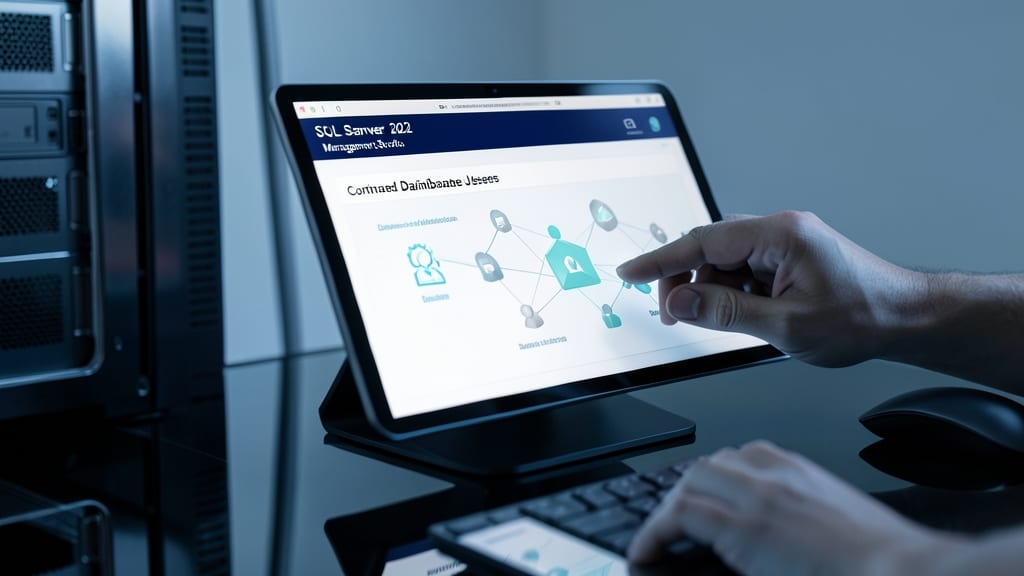
Tired of juggling Windows logins just to manage database access? Contained Database Users in SQL Server 2012 lets you create and authenticate users directly within the database—no domain dependencies required. This feature is a game-changer for SaaS providers hosting multiple tenants, as it enforces isolation without relying on Active Directory or Windows accounts.
With database-scoped logins, you can assign permissions at the container level, using SQL Server’s built-in authentication (SQL logins or Windows logins). The CONTAINMENT = PARTIAL setting ensures users stay isolated to their database while still leveraging SQL Server’s security model. For cloud deployments, this means no more complex AD setups—just pure, contained access control. ⚡
Perfect for multi-tenant SaaS platforms or cloud-native apps where tenant isolation is critical. If you’re building solutions that need to scale without domain infrastructure, this feature cuts through the complexity. 💻
Power View for Interactive Data Visualization
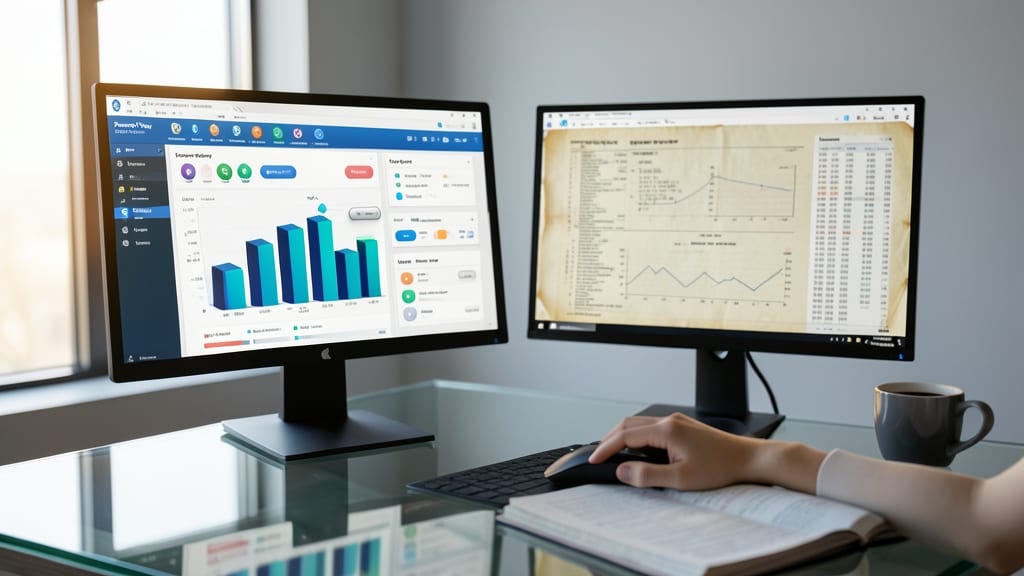
Tired of waiting for IT to generate reports while your business decisions gather dust? Power View brings self-service BI directly into SQL Server 2012, letting business users create interactive dashboards without writing a single line of code.
This Excel-like interface integrates with SQL Server Analysis Services (SSAS) to transform raw data into touch-enabled 3D charts, pivot tables, and drill-down maps. Drag-and-drop functionality makes it easy to explore trends, filter data dynamically, and share insights—all within the familiar SQL Server Data Tools environment. The best part? It runs in-browser, so no additional software installation is needed.
Perfect for marketing teams tracking campaign performance or finance departments analyzing quarterly trends, Power View eliminates the bottleneck between data and decision-making. ✨
Contained Database Authentication
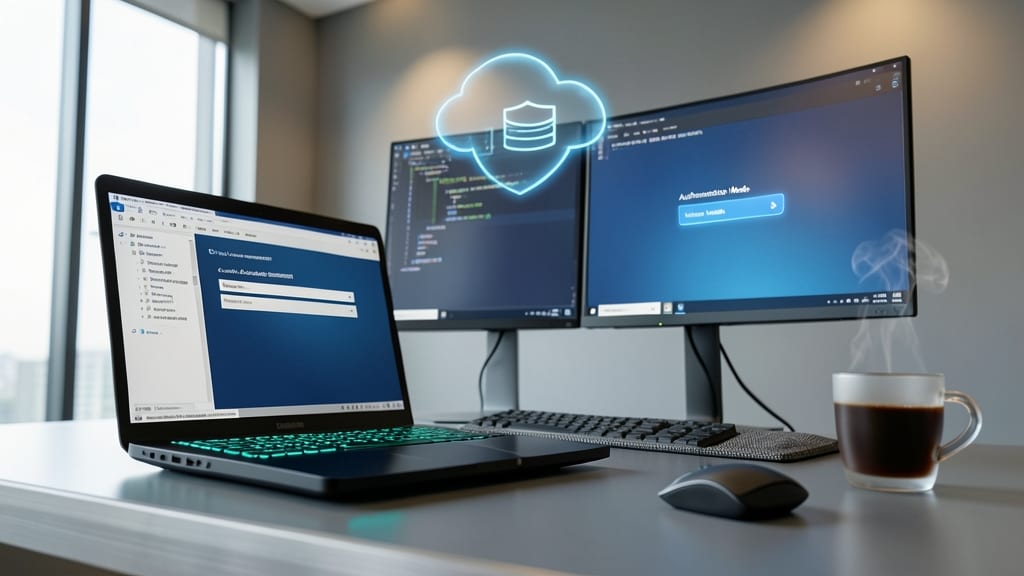
Cloud deployments often break traditional Windows authentication—but SQL Server 2012 fixed that with contained database authentication. This feature lets you manage logins entirely within the database itself, using SQL Server logins with passwords instead of relying on Windows accounts.
You can now create contained user logins that work seamlessly across environments, even in cloud scenarios where domain trust isn't possible. The feature integrates with contained databases (covered earlier) to provide a self-contained authentication layer, reducing administrative overhead. Password policies and encryption are handled natively, making it secure by default.
This is a game-changer for SaaS providers, cloud-native apps, and multi-tenant systems where Windows authentication would otherwise be a roadblock. No more dependency on Active Directory—just pure, portable security. 🔧
SQL Server Data Tools Integration
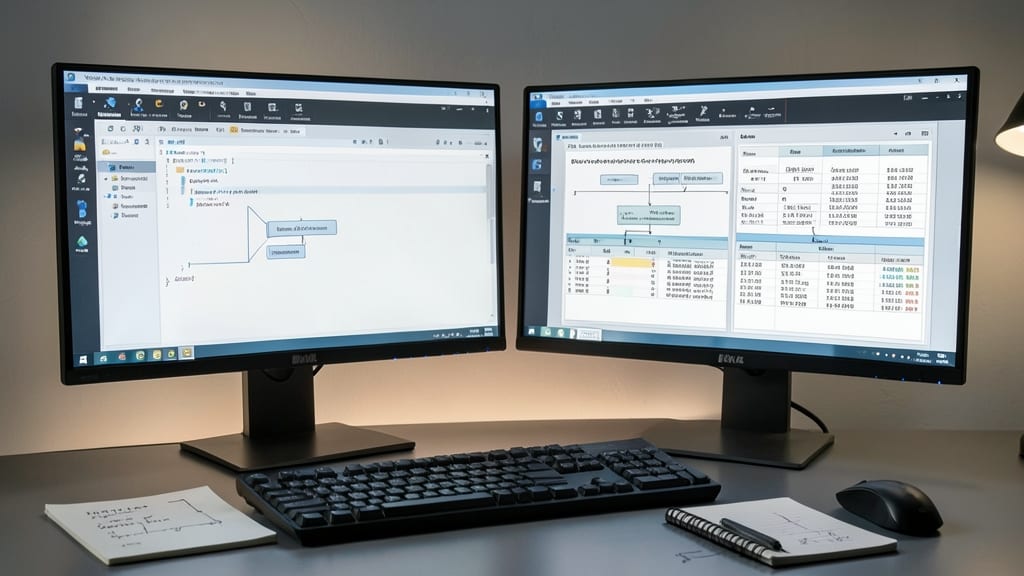
Tired of juggling separate tools for database schema changes, version control, and deployment? SQL Server Data Tools (SSDT) bridges that gap by embedding database development directly into Visual Studio 2010/2012. This integration lets you treat database projects like any other codebase—with schema comparisons, unit testing, and source control integration.
With SSDT, you get schema compare to sync environments, data generation plans for realistic test data, and TFS integration for seamless ALM workflows. The SQL Server Object Explorer provides a visual hierarchy of objects, while unit testing frameworks ensure database logic meets quality standards. It’s the missing link for teams managing complex database projects alongside application code.
Perfect for development teams using Visual Studio, SSDT eliminates context-switching between SQL Server Management Studio and external tools. Whether you're deploying schema changes or managing migrations, this integration streamlines the entire lifecycle. ✨
Contained Database Backups
Cloud deployments often break traditional backup methods, but SQL Server 2012's contained database backups solve this with a game-changer. Unlike legacy approaches that require server-level dependencies, this feature encapsulates backups entirely within the database container—no external configurations or Windows logins needed.
You get zero-configuration compatibility with cloud storage providers, point-in-time recovery for contained databases, and support for BACKUP TO URL syntax to stream backups directly to Azure Blob Storage or other cloud destinations. The RESTORE DATABASE command now handles contained users and permissions automatically, eliminating manual reconfiguration headaches.
Perfect for SaaS providers and multi-tenant cloud apps where traditional backups fail, this feature turns backup operations into a seamless, self-contained process. ⚡