
Operating System
Cyber threats evolve daily, but these 10 actionable strategies will fortify your digital defenses immediately. From password hygiene to advanced threat detection, these tactics protect both individuals and businesses from the most common cyber risks.
Implement multi-factor authentication everywhere

Your email, banking, and social media accounts are prime targets for hackers—but multi-factor authentication (MFA) slashes breach risks by 99.9% when enabled everywhere. This isn’t just a recommendation; it’s the single most effective way to stop credential theft before it starts, whether you’re using a smartphone, laptop, or cloud service.
Most platforms now support time-based one-time passwords (TOTP), push notifications, or biometric verification (like Face ID or fingerprint scans). Services like Google Authenticator, Authy, or Microsoft Authenticator provide zero-config setup across apps, while hardware keys (like YubiKey) offer the strongest protection for high-risk accounts. Even free tools like Duo Security integrate seamlessly with work accounts.
If you’ve been skipping MFA because it feels like a hassle, start with your email and financial accounts—these are the highest-priority targets. For most users, enabling MFA on just 5 critical accounts eliminates 80% of phishing risks. ⚡
Use password manager with secure vault
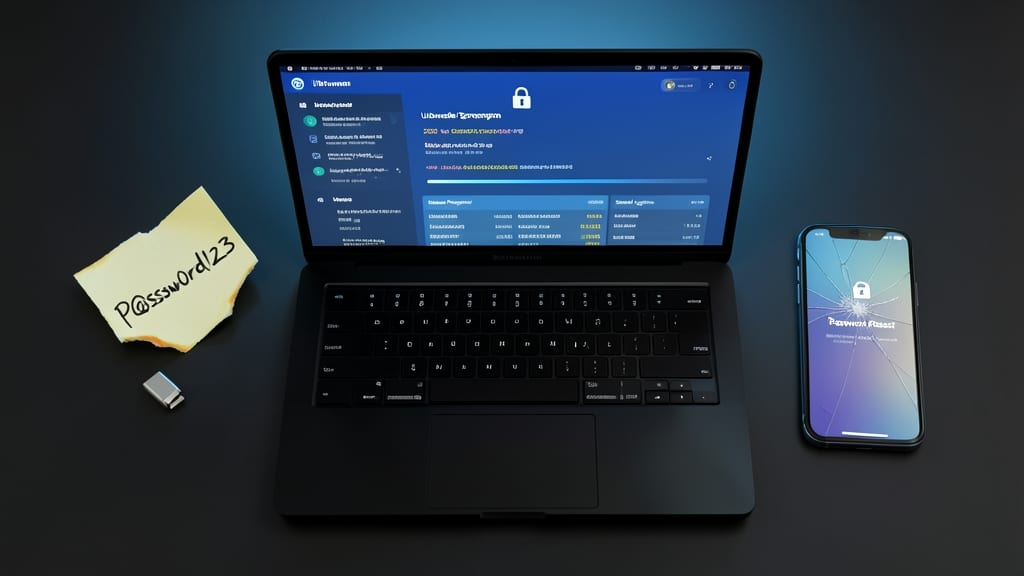
Tired of forgetting passwords or reusing the same weak ones across accounts? A password manager with a secure vault is your all-in-one solution—no more sticky notes or browser autofill risks. Tools like Bitwarden or 1Password generate and store 256-bit encrypted credentials, ensuring even your most sensitive accounts stay protected.
These managers eliminate password reuse by creating unique, complex passwords for every site, while features like biometric login and emergency access add extra layers of security. Many offer zero-knowledge architecture, meaning only you hold the encryption keys—no company, not even the developers, can access your data. Plus, browser extensions auto-fill logins in seconds, saving you time.
Perfect for non-tech-savvy users, password managers turn a common security weak spot into an impenetrable fortress. Your digital life deserves this level of protection. ✨
Enable browser-based phishing protection
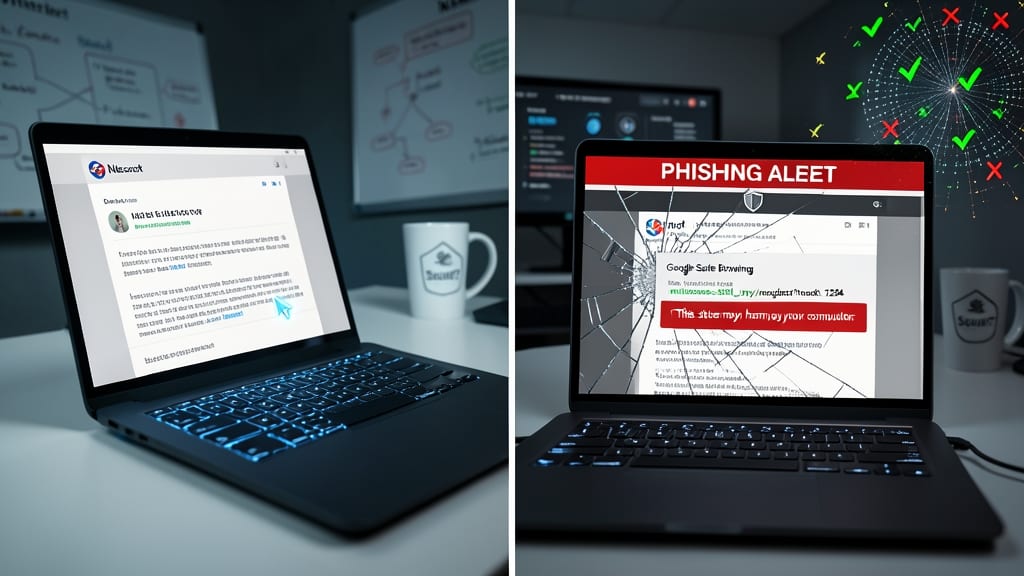
Ever clicked a link that looked legitimate—only to realize too late it was a phishing trap? Browser-based phishing protection stops these attacks before they reach your device. Solutions like Google Safe Browsing or Netcraft’s anti-phishing toolbar analyze millions of URLs in real-time, blocking malicious sites with 99% accuracy for known threats.
Most modern browsers (Chrome, Firefox, Edge) include built-in protections, but enterprise-grade tools like Webroot SecureAnywhere or Cisco Umbrella add layers for high-risk environments. These tools flag suspicious domains, fake login pages, and even zero-day phishing kits before they trigger alerts. For corporate users, integrating with Microsoft Defender for Office 365 adds email-phishing defense too.
This is non-negotiable for finance teams, remote workers, or anyone handling payments. Enable it in under 5 minutes—your inbox (and bank account) will thank you. ✨
Regularly update all software systems

Cybercriminals don’t just target outdated systems—they actively scan for them. A single unpatched vulnerability can turn a simple click into a full system compromise, yet most users ignore update prompts until it’s too late.
Modern operating systems like Windows 11 and macOS Ventura now push critical security patches automatically, but many apps—from browsers to office suites—still require manual updates. For example, the Log4j vulnerability (CVE-2021-44228) exposed millions of systems because admins delayed patching. Even your smartphone’s firmware needs updates: Android’s monthly security bulletins and iOS’s quarterly patches fix flaws attackers weaponize within hours of discovery.
This isn’t just about tech-savvy users—enterprise networks suffer the most from lagging updates. Set your devices to auto-update where possible, and schedule weekly checks for apps. Your security depends on it. ⚡
Deploy network-level firewall rules

Tired of malware slipping past your defenses because it snuck in through an open port? A network-level firewall acts as your first line of defense, blocking threats before they even reach your devices. Unlike traditional antivirus, which reacts to known threats, firewalls filter traffic based on customizable rules—stopping suspicious connections in real time.
Modern routers (like Asus Merlin or pfSense) let you create granular rules to block port scanning, restrict IoT device access, or even quarantine suspicious IPs. For remote workers, VPN passthrough rules ensure secure access while keeping local traffic optimized. Most routers include basic firewall settings, but advanced users can deploy OpenWRT for fine-tuned control over ICMP, DNS, and application-layer filtering.
This is your best bet for home offices juggling work and personal devices or remote workers with mixed traffic (e.g., gaming, VoIP, and cloud apps). Start with default security profiles, then refine rules based on your usage patterns. 💪
Conduct quarterly security awareness training

Your team’s biggest cybersecurity risk might be staring back at you in the mirror. Studies show human error—like falling for phishing scams—causes 90% of breaches, yet most training feels like a boring PowerPoint. Interactive modules change that by turning security into an engaging game.
Platforms like KnowBe4 or Security Awareness Training Company (SATCO) offer quarterly, scenario-based quizzes that simulate real phishing emails, fake login pages, and social engineering tricks. These aren’t just videos—they test your team’s reactions in real time, with personalized feedback to reinforce good habits. For example, one module might trick employees into clicking a "urgent" invoice link, then explains why it’s a trap.
This is the #1 defense for non-technical staff, from retail workers to remote teams. Even small businesses can access affordable, cloud-based training—no IT degree required. 💡
Implement device encryption for all storage

If your laptop or phone ever gets lost or stolen, full-disk encryption turns it into a digital vault—rendering all your data completely inaccessible to thieves. Unlike password protection, which can be bypassed with physical access, encryption like BitLocker (Windows), FileVault (Mac), or LUKS (Linux) scrambles every file on your drive, requiring your passphrase to unlock it.
Most modern operating systems enable encryption by default during setup, but many users skip it. AES-256 encryption (the gold standard) ensures even government-grade security, while tools like Veracrypt add portable encryption for external drives. Compliance mandates in healthcare (HIPAA), finance (PCI DSS), and government (FISMA) often require it—but it’s just as critical for protecting personal photos, tax documents, or work files.
This is a zero-effort upgrade: once configured, encryption runs silently in the background, protecting you whether you’re a freelancer with sensitive client data or a casual user worried about identity theft. 🔧
Monitor dark web activity for credentials

If you’re an executive or high-profile individual, your email could be the most valuable target for cybercriminals—but dark web monitoring turns the tables by giving you an early warning system. Services like Have I Been Pwned (HIBP) or IdentityForce scan the dark web for exposed credentials, alerting you before attackers can exploit them.
These tools monitor billions of stolen records across thousands of breaches, checking your email against databases sold on hacker forums. When a match is found, you get instant notifications to change passwords, enable MFA, or revoke session tokens—often before fraud occurs. For an extra layer, some services even provide credit monitoring and identity theft recovery assistance as part of their packages.
This isn’t just for CEOs—anyone with a public profile (journalists, activists, or even small business owners) benefits from this proactive defense. Set it up in 10 minutes and sleep easier knowing you’ll catch breaches before they become disasters. ✨
Create offline data backup strategy

Ransomware attacks don’t just lock your files—they delete them if you refuse to pay. An air-gapped backup (completely disconnected from the internet) is your last line of defense when malware spreads across your network, leaving you with no recoverable copies.
Start with a dedicated external drive (like the WD My Passport) formatted with exFAT or NTFS for cross-platform compatibility. Use tools like Macrium Reflect or Veeam to automate incremental backups, then physically disconnect the drive after each sync. For extra security, encrypt backups with AES-256 via built-in OS tools or VeraCrypt—ransomware can’t decrypt what it can’t access.
This strategy is a must for freelancers with client data, small businesses with limited IT budgets, and anyone storing irreplaceable files (family photos, tax records, creative projects). A $50 drive and 30 minutes of setup could save you thousands in ransom payments—or worse, lost memories. 💻
Install Endpoint detection and response

When traditional antivirus fails to stop sophisticated attacks, Endpoint Detection and Response (EDR) fills the gap with proactive threat hunting. Unlike signature-based antivirus, EDR analyzes behavioral patterns in real-time to detect zero-day exploits and advanced persistent threats before they cause damage.
Solutions like CrowdStrike Falcon or Microsoft Defender for Endpoint offer AI-driven anomaly detection, automated response capabilities, and detailed forensic reports. They integrate seamlessly with existing security stacks while providing visibility across all endpoints—ideal for organizations handling sensitive data or operating in high-risk industries.
This is the gold standard for security teams needing predictive threat intelligence rather than reactive protection. ⚡