
Tip & Trick
Remote work offers flexibility but exposes you to cyber threats like phishing, malware, and data breaches. These 10 security best practices—backed by IT experts—help you create an impenetrable digital fortress from any location.
Multi-Factor Authentication for Every Account
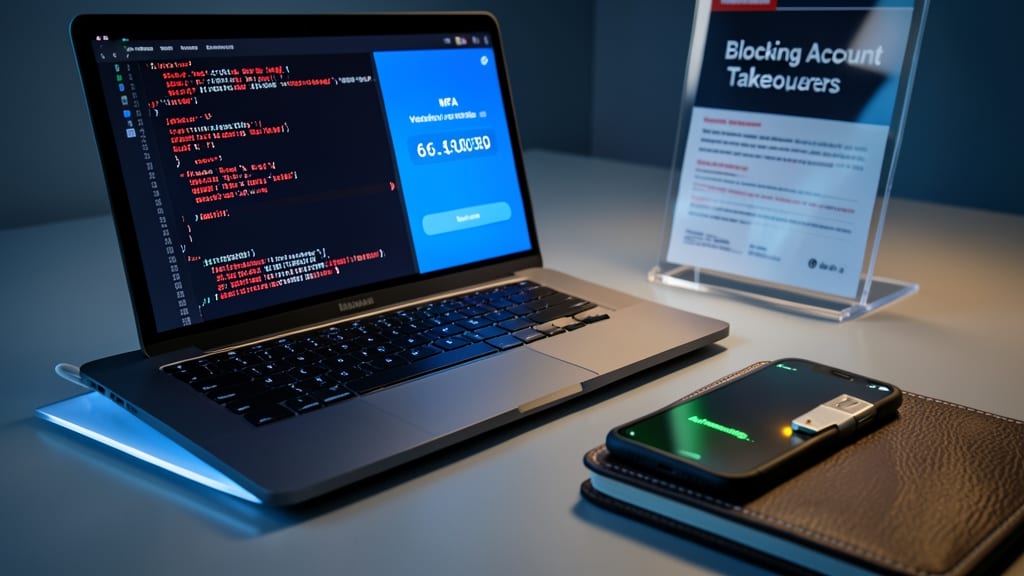
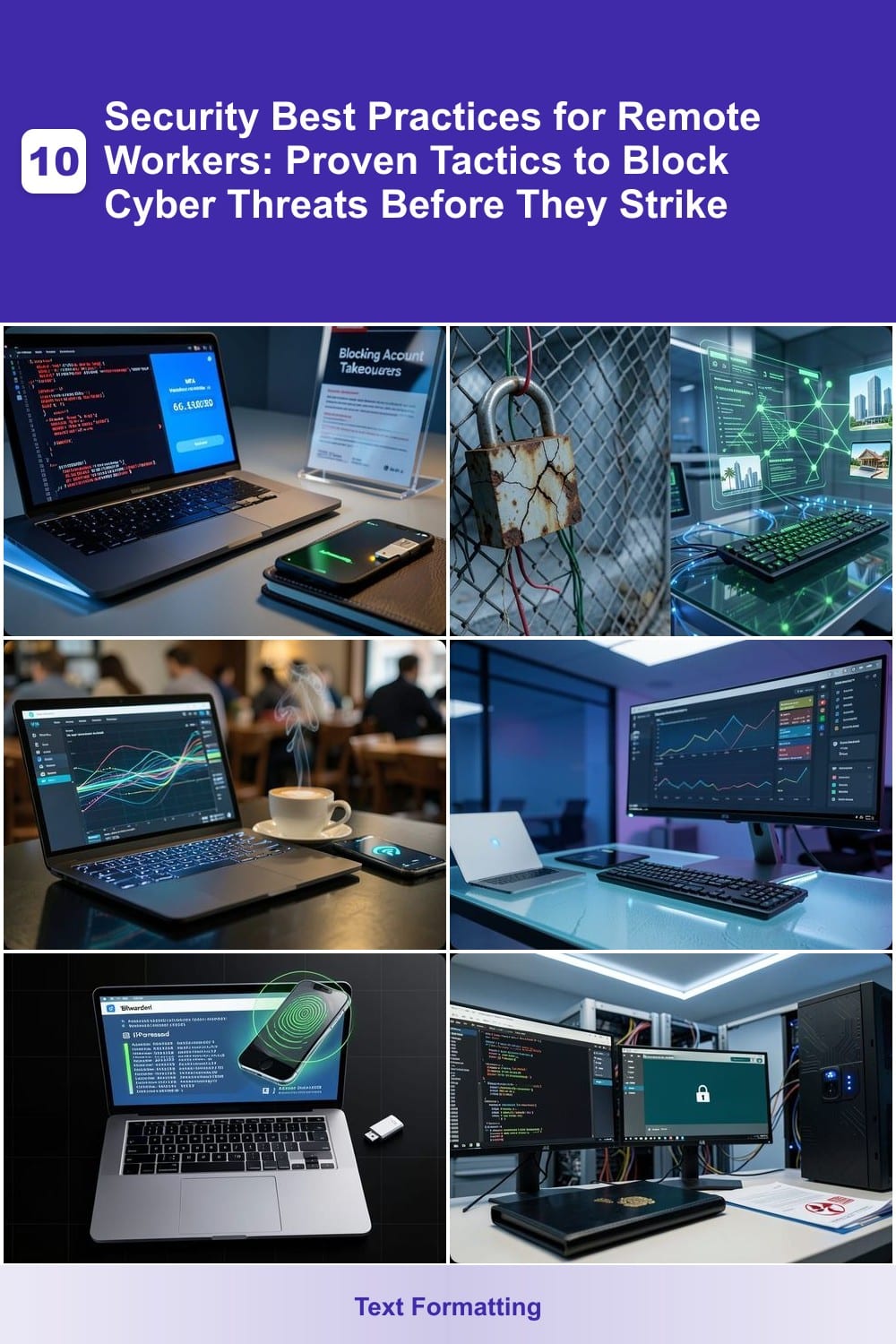
Credential-stuffing attacks account for 99.9% of all account takeovers—but multi-factor authentication (MFA) shuts them down before they start. By requiring a second verification step (like a code from an app or hardware token), MFA blocks even the most sophisticated automated attacks targeting passwords alone.
Most services now offer zero-config MFA via apps like Google Authenticator or Authy, while hardware keys (e.g., YubiKey) provide the highest security for executives and frequent travelers. The best part? It takes under 30 seconds to set up per account, and many platforms (like Microsoft 365 or Google Workspace) enforce it by default for admins.
This is non-negotiable for anyone handling sensitive data—especially if you’re logging in from public Wi-Fi in hotels or airports. 💻
Zero-Trust Network Access Implementation

Tired of relying on outdated "trust but verify" models that leave your network vulnerable? Zero-Trust Network Access (ZTNA) flips the script by treating every connection—whether from a corporate office or a café in Bali—as a potential threat until proven otherwise.
This approach uses continuous authentication (not just logins) and micro-segmentation to grant access only to specific applications or data, not entire networks. Solutions like Zscaler Private Access or Cisco Duo integrate seamlessly with existing infrastructure, requiring no VPNs while maintaining compliance with NIST SP 800-207 standards. Even if credentials are stolen, lateral movement across your network is blocked.
Perfect for IT admins managing hybrid cloud environments or remote teams handling sensitive data, ZTNA turns "never trust, always verify" into a battle-tested setup. ✨
Secure Virtual Private Network Setup

Public Wi-Fi in cafes and hotels is a hacker’s playground—but a VPN setup turns it into a secure tunnel for your data. Unlike basic encryption, a VPN routes all your traffic through an encrypted server, shielding sensitive work emails, financial files, and even browsing history from prying eyes.
Look for AES-256 encryption (military-grade security) and split tunneling to keep work traffic secure while letting personal devices browse freely. Services like Perimeter 81 or NordVPN offer zero-log policies, meaning your activity stays private even from the provider. For corporate teams, OpenVPN or WireGuard provide open-source reliability with strong performance.
This is non-negotiable for remote workers in finance, healthcare, or legal fields—where a single breach could mean compliance violations. Even casual travelers benefit from the peace of mind. 💻
Endpoint Detection and Response Software

Tired of hoping your antivirus catches everything? Endpoint Detection and Response (EDR) software like CrowdStrike or SentinelOne fills the gaps by monitoring devices for zero-day exploits and advanced malware in real-time—before they cause damage.
These solutions go beyond traditional antivirus by using AI-driven behavioral analysis to detect anomalies like unusual data exfiltration or cryptomining activity. They integrate with existing security tools and provide detailed forensic reports to help you understand and respond to threats. Many offer cloud-based management, so even non-technical staff can deploy and monitor them easily.
Small businesses with limited IT resources will especially benefit—EDR acts like a 24/7 security analyst on every endpoint, reducing the risk of costly breaches. 💻
Password Manager with Biometric Access
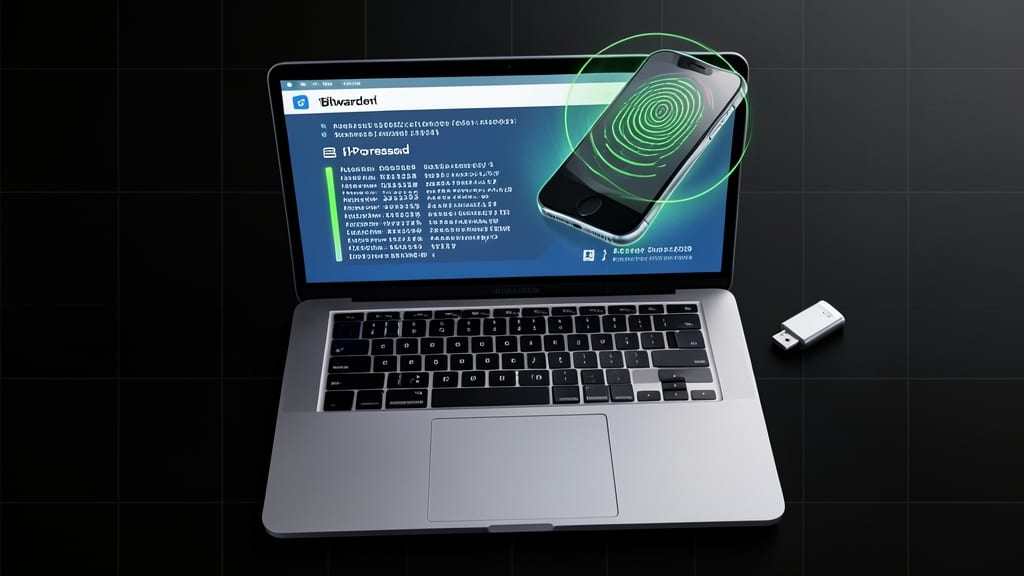
Tired of juggling 50+ passwords while fearing a breach from reused credentials? A password manager with biometric access solves both problems—generating 256-bit AES-encrypted passwords and unlocking your vault with a fingerprint scan or facial recognition in under a second.
Tools like Bitwarden or 1Password auto-fill credentials while syncing across devices. Their zero-knowledge architecture ensures only you control your data, and features like TOTP support add an extra layer for high-risk accounts. The real game-changer? No more sticky notes or browser-saved passwords—just tap your phone to log in instantly.
Perfect for travel-heavy professionals or teams handling client data, this combo of military-grade encryption and frictionless access cuts login time by 80% while slashing breach risks. ✨
Secure File Sharing Protocols
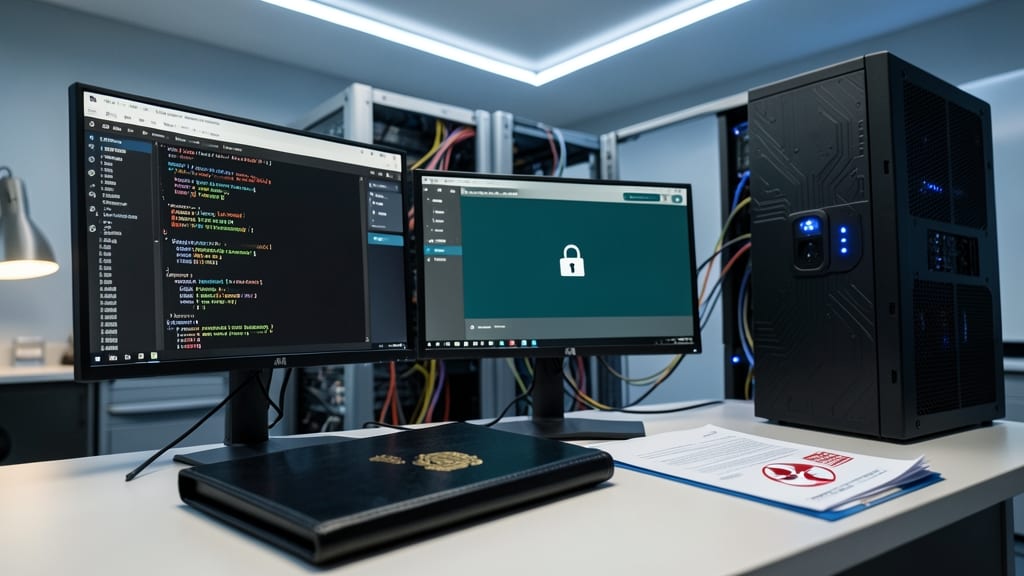
When confidentiality isn’t optional—like in healthcare or legal fields—end-to-end encrypted file sharing becomes non-negotiable. Protocols like SFTP (SSH File Transfer Protocol) or SecureDrop ensure documents stay locked down during transit and storage, preventing leaks even if systems are compromised.
These protocols use AES-256 encryption (military-grade) by default, with features like automatic key rotation and audit logs to track access. For example, SecureDrop—used by journalists and law firms—lets senders verify receipt without exposing metadata, while Box with encryption-at-rest integrates seamlessly with existing workflows. Compliance with HIPAA or GDPR is built in.
Legal teams and healthcare providers should prioritize these over consumer-grade tools like Dropbox or WeTransfer. For extra peace of mind, combine with digital rights management (DRM) for high-stakes documents. ✨
Regular Security Awareness Training
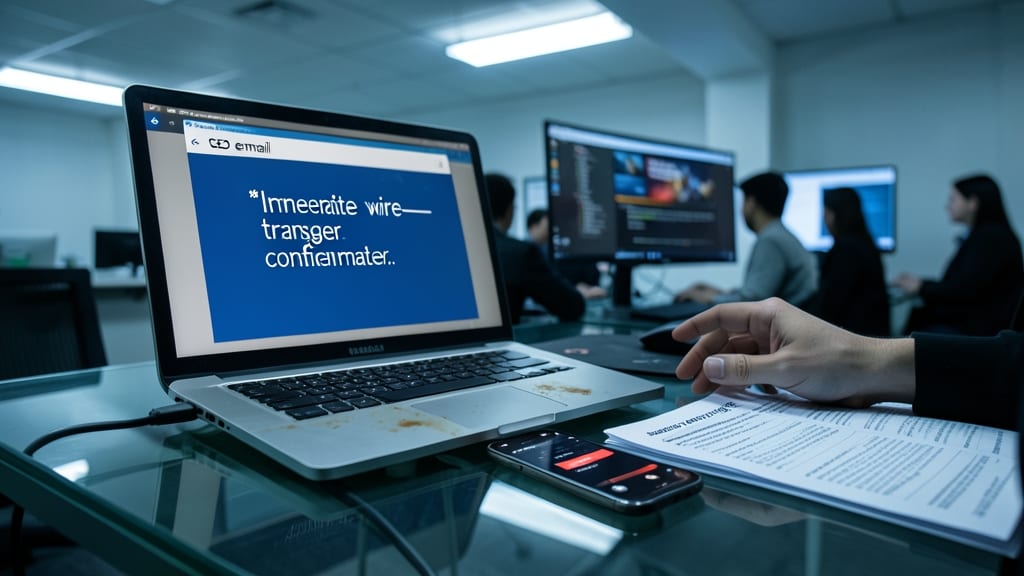
Even the strongest firewalls can’t stop a click on a fake "CEO email" demanding urgent wire transfers—human error causes 90% of breaches. Regular security awareness training turns your team into your first line of defense, teaching them to spot phishing, impersonation scams, and other social engineering tricks before they compromise your systems.
Look for programs with interactive phishing simulations (like KnowBe4 or Proofpoint) that mimic real attacks, role-based modules for executives vs. entry-level staff, and quarterly refreshers to keep skills sharp. Studies show organizations with consistent training see 70% fewer breaches—because employees learn to question suspicious links, verify sender emails, and avoid oversharing personal details. Many platforms even offer gamified challenges to reinforce lessons.
This is non-negotiable for finance teams, healthcare workers, and any role handling sensitive data. Even solo remote workers should complete free courses like Google’s Cybersecurity Certificate or Microsoft’s Security Awareness Training to stay ahead. 💡
Device Encryption and Remote Wipe
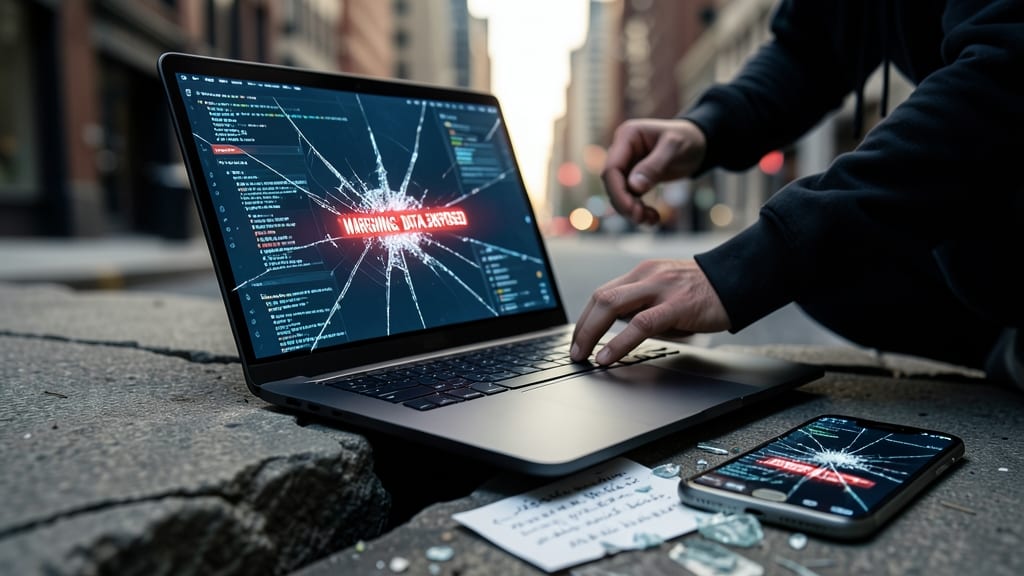
Losing a device with unencrypted data is like handing over your company’s secrets to a stranger—unless you’ve enabled device encryption and remote wipe. This feature turns your laptop or phone into a digital vault, ensuring sensitive files stay locked down even if your device falls into the wrong hands.
Modern operating systems like Windows BitLocker, macOS FileVault, and Android Enterprise offer built-in encryption that secures data at rest with AES-256-bit encryption, the same standard used by governments. Pair that with remote wipe capabilities—like those in Microsoft Intune or MobileIron—and IT admins can instantly erase all company data from a lost or stolen device, preventing breaches before they happen.
This isn’t just for tech giants—finance, healthcare, and legal professionals handling confidential data rely on it daily. For remote workers in high-risk fields, it’s the difference between a minor inconvenience and a full-blown security disaster. 💻
Secure Home Office Setup Guide
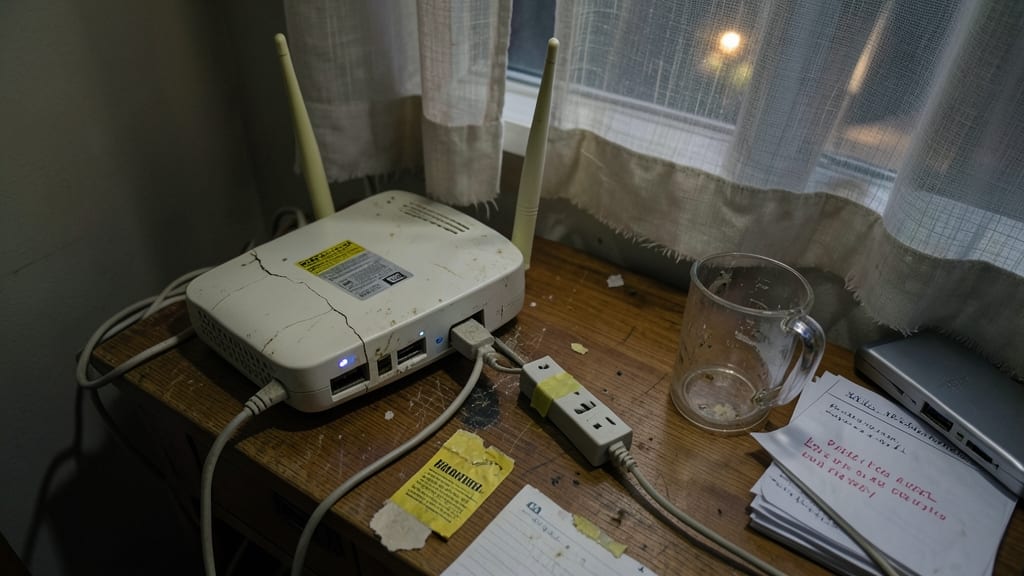
Your home office isn’t just a workspace—it’s the frontline of your digital security. While software protections are critical, physical hardware often gets overlooked as the weakest link in remote work setups. A single unsecured webcam or outdated router can expose your entire network to eavesdropping or exploits.
Start with a webcam featuring a physical privacy shutter (like the Logitech C920x) to block unauthorized video access instantly. Pair it with a router supporting WPA3 encryption (e.g., Netgear Nighthawk AX12) to future-proof your Wi-Fi against brute-force attacks. For extra defense, add a hardware firewall (like pfSense on compatible routers) to filter malicious traffic before it reaches your devices.
This setup is ideal for tech-savvy professionals who prioritize both convenience and security—think developers, freelancers, or anyone handling sensitive data. With these tools, you’ll turn your home office into a battle-tested fortress. ✨
Incident Response Plan Documentation
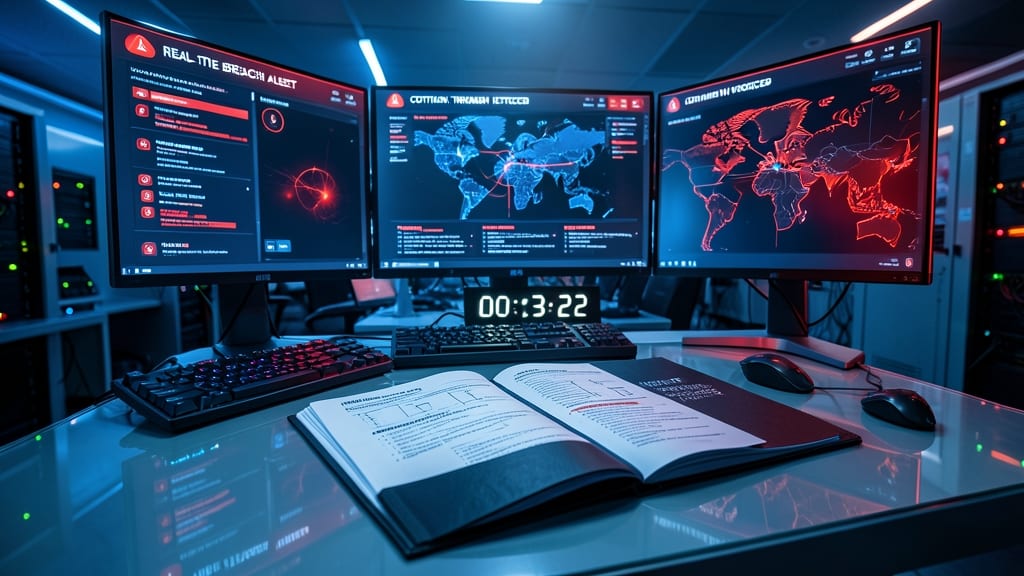
When a security breach happens, every minute counts. A documented incident response plan isn’t just a policy—it’s your playbook for minimizing damage, containing threats, and restoring operations faster. Studies show organizations with formalized procedures reduce downtime by 40%, turning potential disasters into controlled incidents.
This plan should include predefined roles (e.g., incident commander, IT lead), a step-by-step containment workflow (isolate affected systems, preserve evidence), and clear escalation paths for legal/compliance teams. Tools like NIST’s Computer Security Incident Handling Guide or ISO 27035 provide templates to customize for your team’s needs.
Ideal for IT teams, compliance officers, and remote-first companies, this isn’t just a checkbox—it’s your safety net when the unexpected strikes. ✨