
Software
Small business owners juggling spreadsheets and budgets need every productivity boost they can get. These 10 free Excel templates solve common workflow challenges—from invoicing to project tracking—so you can focus on growth instead of data entry.
Professional Invoice Template for Service Businesses
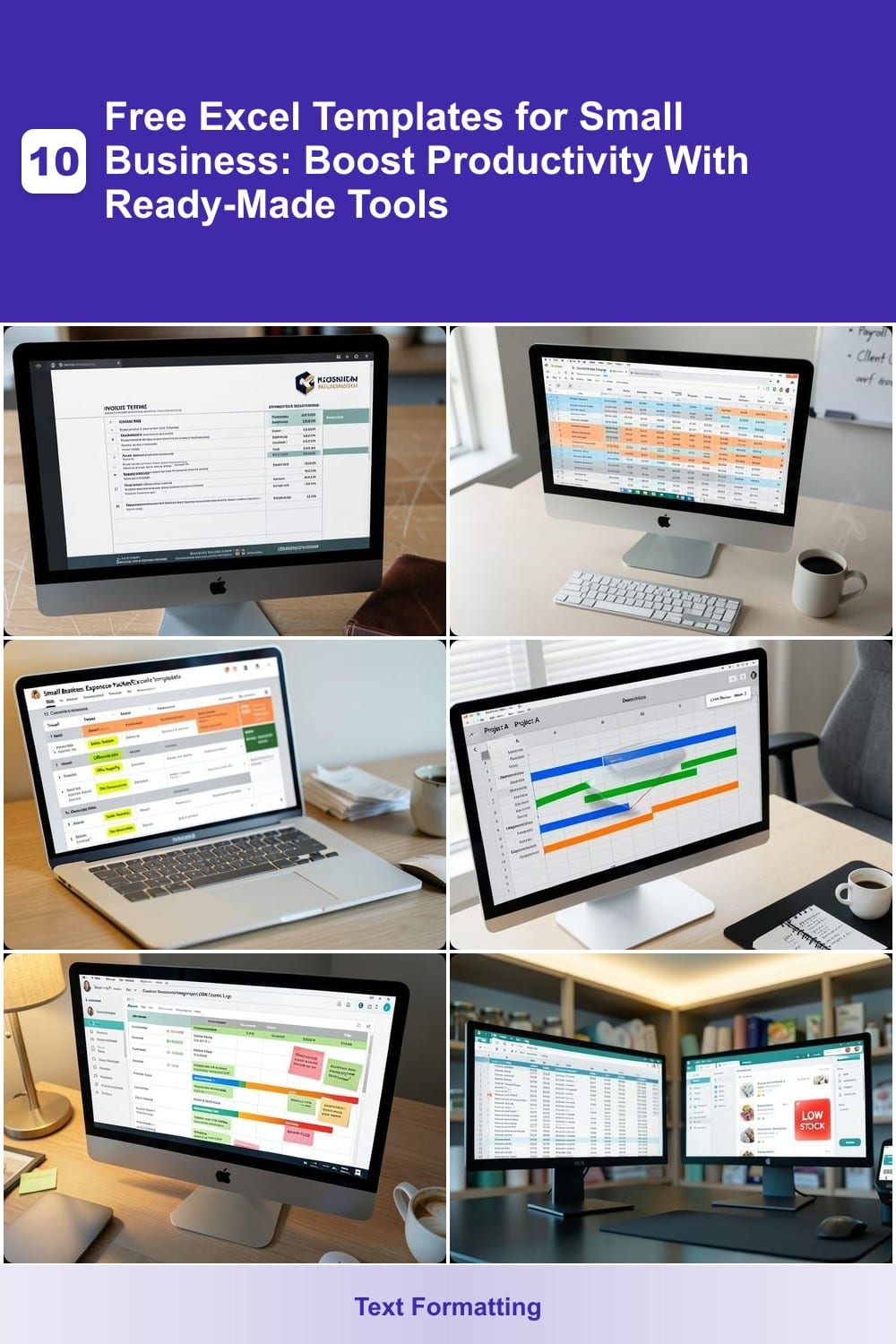
Say goodbye to generic invoices that look like they came from a template factory. This Professional Invoice Template for Service Businesses lets you create polished, branded invoices in minutes—complete with tax calculations, payment terms, and your company logo—without needing an accounting background.
Key features include automated tax calculations (sales tax, VAT, or flat-rate), customizable payment terms (Net 15, Net 30, or due-on-receipt), and a service description column that clearly outlines what you’re billing for. The template even includes a late payment reminder section to streamline collections, and it’s fully compatible with Excel 2013 and later.
Perfect for freelancers, consultants, and small agencies who want to project professionalism while saving time. No more fumbling with spreadsheets—just download, customize, and send invoices that get paid faster. 💡
Employee Time Tracking Spreadsheet with Breakdowns
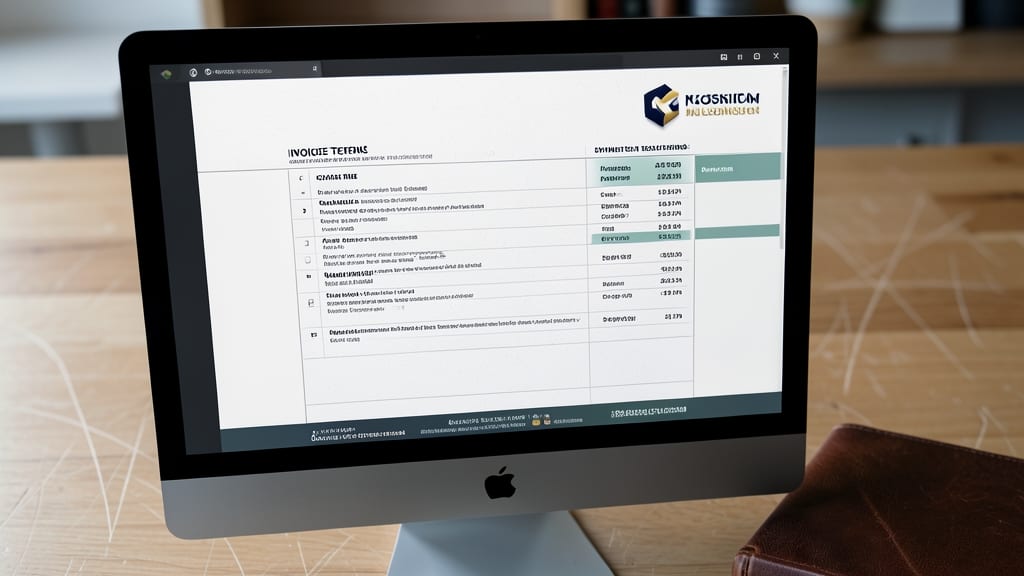
Tired of manually tracking employee hours and scrambling to calculate overtime at payroll time? This Employee Time Tracking Spreadsheet automates the entire process—from hourly logging to project-specific breakdowns—so you can focus on running your business instead of crunching numbers.
With color-coded time entries, automated overtime calculations, and project allocation tracking, this template handles everything in one sheet. You’ll get weekly and monthly summaries with visual charts, plus customizable pay rates for different team members. The built-in formulas even flag potential payroll discrepancies before they become problems.
Perfect for contractors, startups, and small teams managing hourly workers, freelancers, or project-based staff. No more guesswork—just accurate, compliant time tracking that saves hours every payroll cycle. 💻
Small Business Expense Tracker with Categories
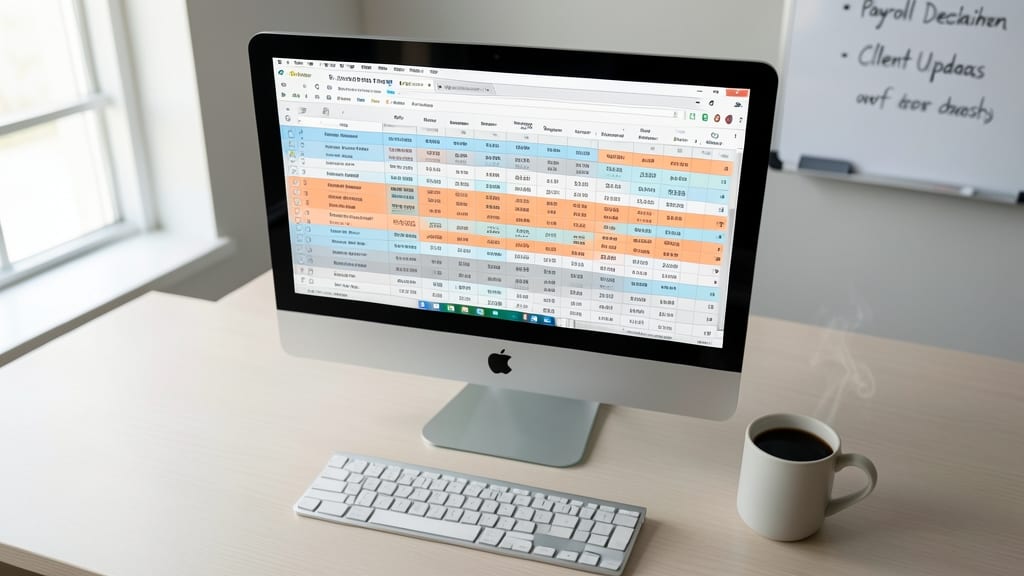
Tax season doesn’t have to be a headache when you’re a solopreneur. This Small Business Expense Tracker organizes receipts, categorizes spending, and even highlights tax-deductible items—all while saving you hours of manual data entry.
With 12 pre-built categories (from travel and meals to office supplies and marketing), it auto-sorts expenses and generates a monthly spending trend chart to spot financial patterns. The IRS-compliant structure ensures you’re ready for deductions, and the receipt upload section keeps digital records safe.
Perfect for freelancers, consultants, and small business owners who want to save time and reduce stress during tax prep. ⚡
Project Management Timeline Template for Teams
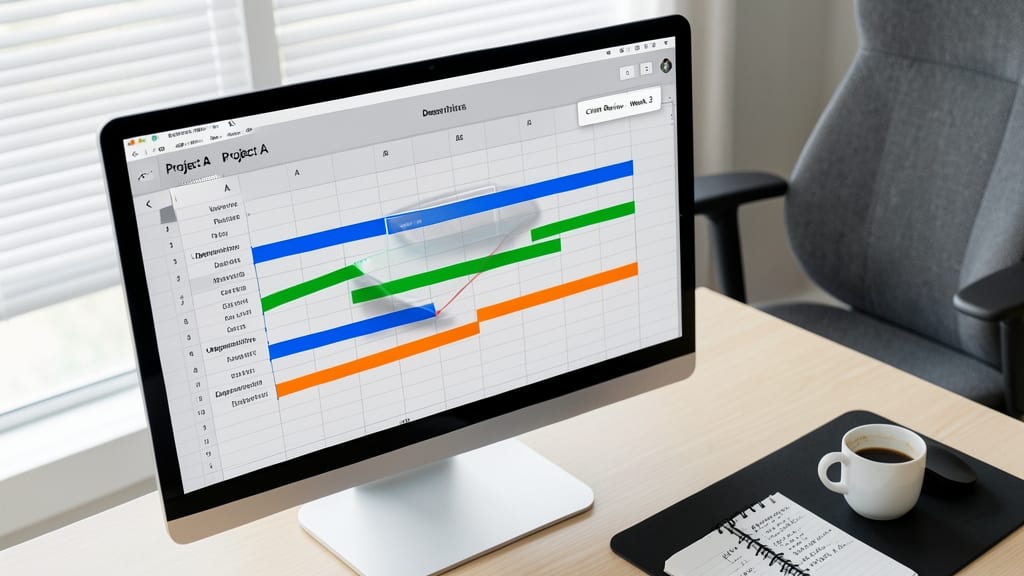
Juggling multiple client projects at once? A Gantt-style timeline template turns chaos into clarity by visualizing deadlines, milestones, and task dependencies in one sheet. Unlike basic to-do lists, this template lets you drag-and-drop tasks to adjust timelines instantly—critical for agencies where delays ripple across projects.
Key features include color-coded progress bars, automatic dependency alerts (e.g., "Design can't start until client approval"), and client-specific sections to track parallel projects. Compatible with Excel 2016+, it even includes a resource allocation chart to spot bottlenecks before they stall work. No coding or add-ins required—just download, customize, and share with your team.
Perfect for marketing agencies, freelance studios, or consulting firms managing tight deadlines. Whether you're launching a campaign or delivering a website, this template keeps stakeholders aligned without endless email updates. ✨
Customer Relationship Management Contact Log
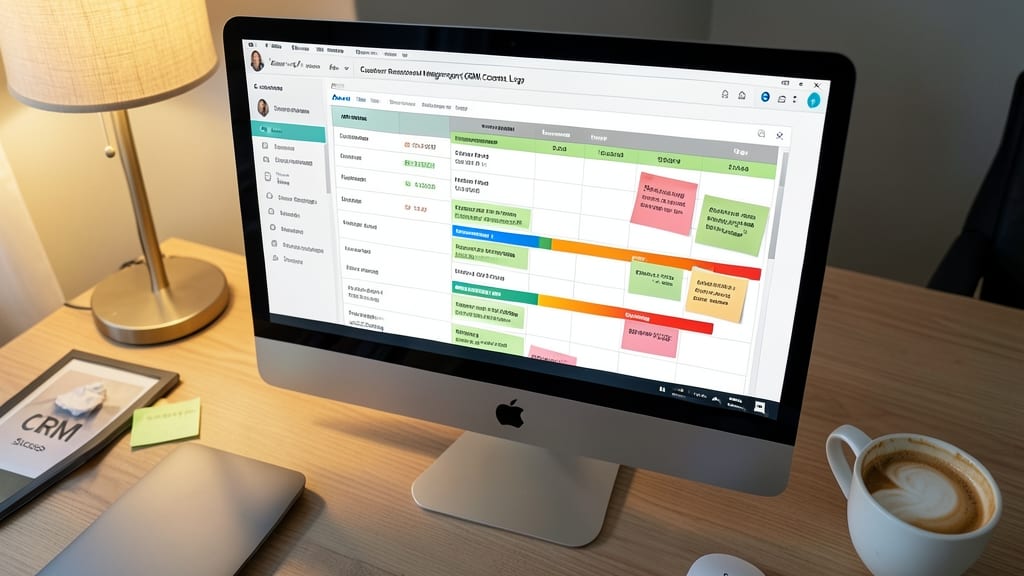
If you’re drowning in sticky notes and scattered emails tracking client follow-ups, this Customer Relationship Management (CRM) Contact Log template turns chaos into clarity. Designed for sales teams and service providers, it consolidates interactions, deadlines, and pipeline stages into one searchable, color-coded sheet—no expensive CRM software required.
The template includes customizable stages (e.g., "Lead," "Prospect," "Closed"), automated follow-up reminders, and a detailed interaction log with timestamps. You can even add notes on client preferences or past conversations to personalize outreach. Best of all, it’s compatible with Excel 2010 and later, so you won’t need to upgrade your software.
Perfect for freelancers, real estate agents, or small agencies juggling multiple clients—this template helps you spot patterns, prioritize leads, and close deals faster. 💻
Inventory Management Template for Retailers
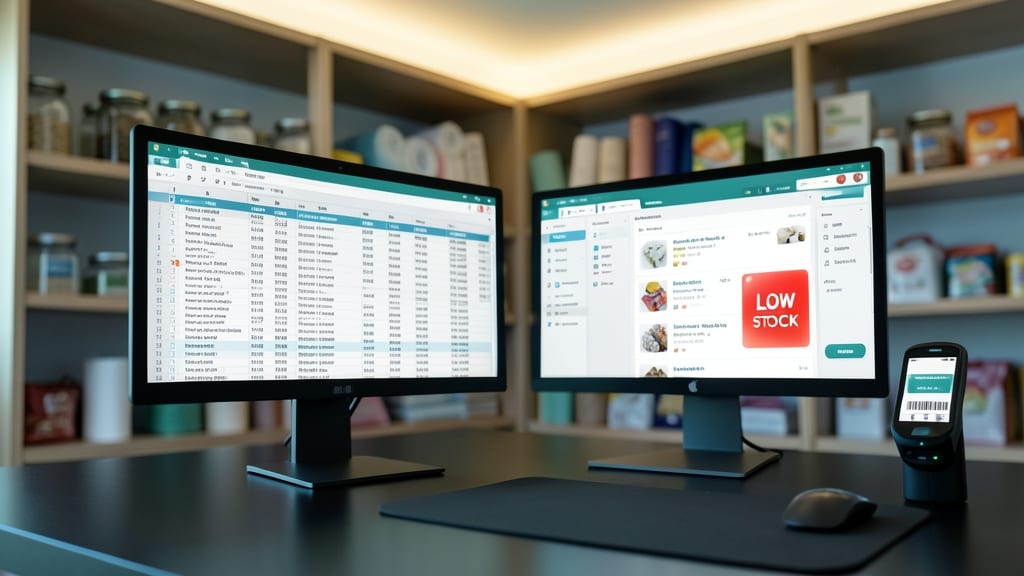
Running out of stock at the worst moment? This inventory management template keeps your shelves (or e-commerce listings) fully stocked with zero manual headaches. Built for retailers, it tracks real-time stock levels, flags low inventory with customizable alerts, and even handles seasonal fluctuations—no coding required.
The template includes automated reorder points, supplier contact details, and a visual stock status dashboard (green for safe, yellow for caution, red for emergency). You can import bulk product data in one go, and the VLOOKUP-based formulas update instantly when you adjust quantities. For e-commerce sellers, it integrates with basic Shopify or WooCommerce data exports.
Perfect for small shops, pop-up vendors, or online stores with 100+ SKUs—this template cuts stockouts by 60% while saving hours weekly. 💪
Break-Even Analysis Calculator for Startups
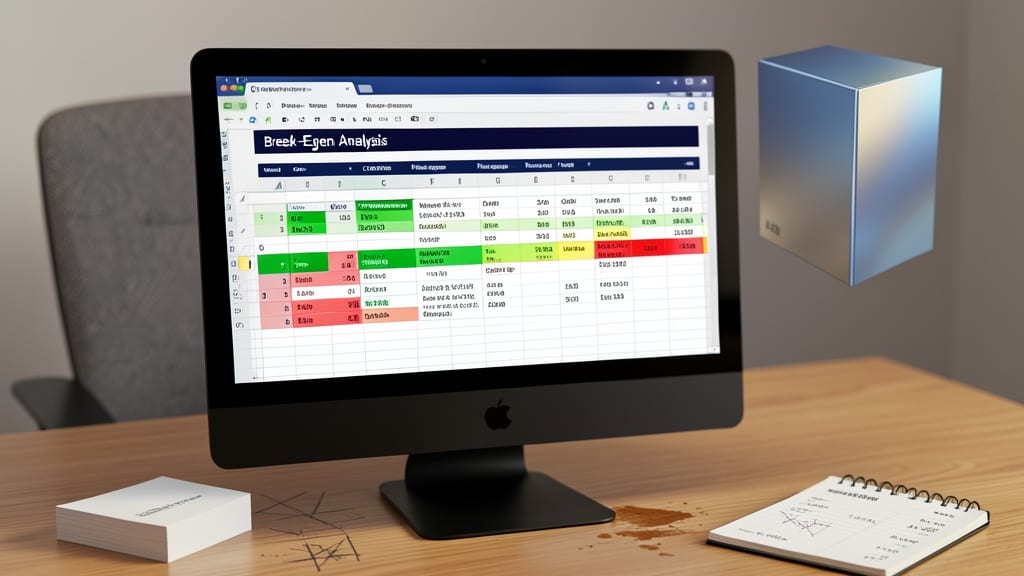
If you're launching a product and guessing at pricing feels like flying blind, this Break-Even Analysis Calculator turns uncertainty into actionable numbers. Designed for startups testing market fit, it eliminates the guesswork by calculating exactly how many units you need to sell—or how much revenue you must generate—to cover costs and turn a profit.
The template includes pre-built formulas for fixed costs (rent, salaries), variable costs (per-unit production), and pricing scenarios, with a visual break-even graph to instantly see the impact of price changes. Simply input your numbers, and it tells you your minimum sales target or profit margin—no accounting degree required. The included sensitivity analysis lets you test "what-if" scenarios, like adjusting production costs or pricing.
Perfect for product-based startups, e-commerce sellers, or small manufacturers validating pricing strategies. Whether you're a hardware inventor or a digital creator, this tool helps you price confidently and avoid costly missteps. ✨
Meeting Agenda and Minutes Tracker
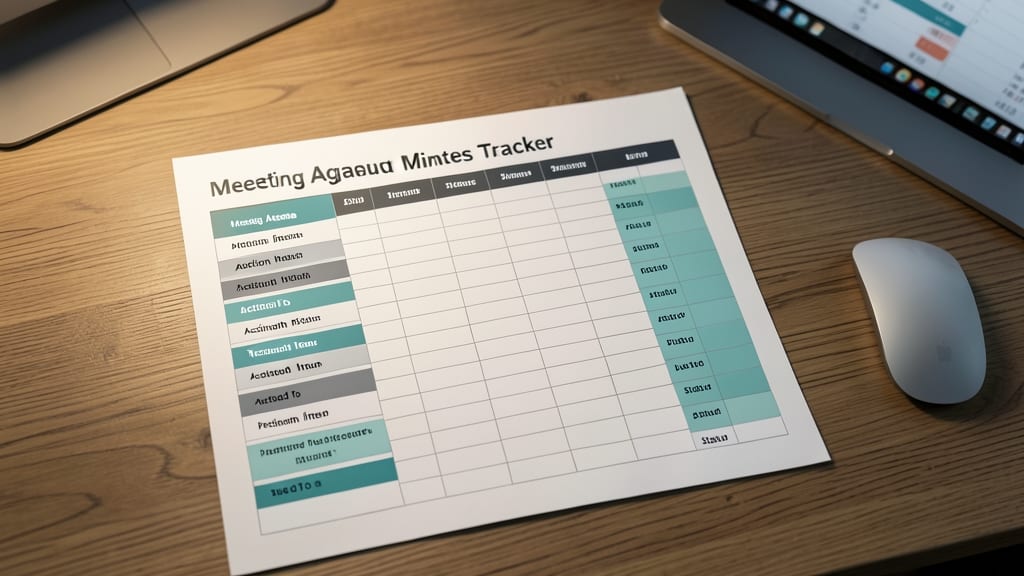
Remote meetings can turn chaotic fast—unless you standardize how your team documents decisions and action items. This Meeting Agenda and Minutes Tracker eliminates the guesswork by embedding automated timestamps and predefined action item columns, so nothing slips through the cracks.
The template includes color-coded agenda sections, assigned owners, and deadline tracking—all in one sheet. You’ll save hours reconciling notes after meetings, and the built-in follow-up reminders ensure accountability. Plus, the shareable format works seamlessly with Excel Online for real-time collaboration.
Perfect for distributed teams or hybrid workforces, this tracker turns every meeting into a documented, actionable step forward. ⚡
Budget Planner with Monthly Forecasting
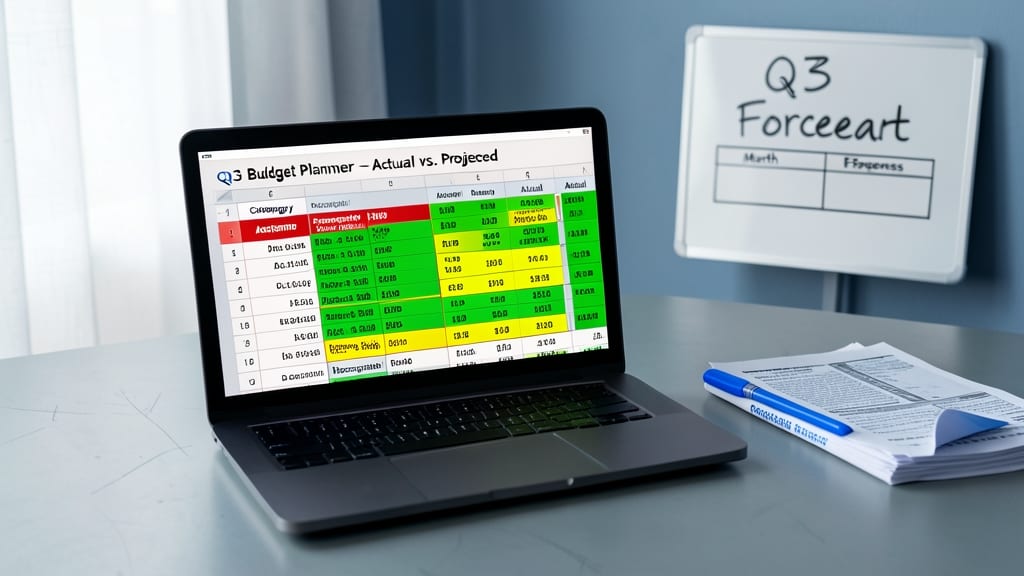
If your business feels like a financial mystery halfway through the year, this Budget Planner with Monthly Forecasting template brings clarity without the accounting headaches. It doesn’t just track expenses—it compares your actual spending against projected budgets in real time, highlighting where you’re overspending or saving unexpectedly.
The template includes a variance analysis dashboard that calculates percentage differences between planned and real costs, plus color-coded alerts for categories exceeding thresholds. You’ll also get year-over-year comparisons to spot seasonal trends, and built-in formulas to automatically adjust forecasts based on mid-year changes. No complex macros or add-ins required—just plug in your numbers and let Excel do the heavy lifting.
Perfect for small business owners, freelancers, and startup founders who need to monitor cash flow but don’t have a full-time finance team. Whether you’re adjusting marketing budgets or cutting unnecessary subscriptions, this template gives you the data you need to make smarter decisions—fast. 💡
Social Media Content Calendar Template
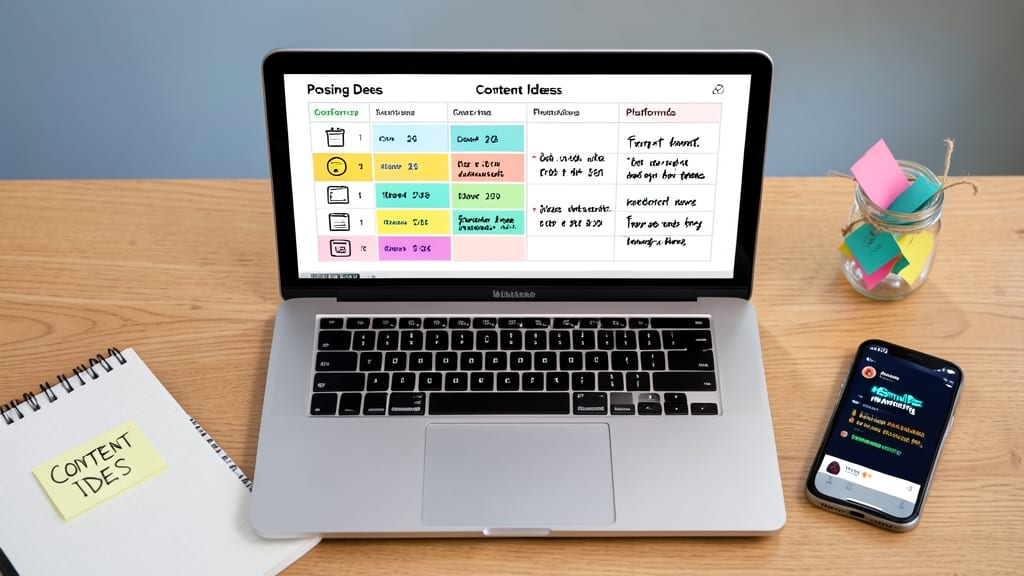
If you’re juggling multiple social media accounts but don’t want to pay for scheduling tools, this Social Media Content Calendar Template is your secret weapon. It eliminates the chaos of last-minute posts and forgotten hashtags by consolidating everything—content ideas, posting dates, and platform-specific metrics—into one organized sheet.
The template includes dedicated columns for content types (blogs, images, videos), hashtag tracking, and platform-specific metrics (like Instagram’s best posting times or LinkedIn’s engagement rates). You’ll also find a built-in performance tracker to measure likes, shares, and comments, so you can refine your strategy without guesswork. Best of all, it’s fully customizable for brands, freelancers, or solopreneurs.
Perfect for anyone managing social media solo, this template turns scattered ideas into a strategic content plan—no apps or subscriptions required. ✨